
Stock & supply
Tool control
Check tools in and out of the stores.
Stores and workshop
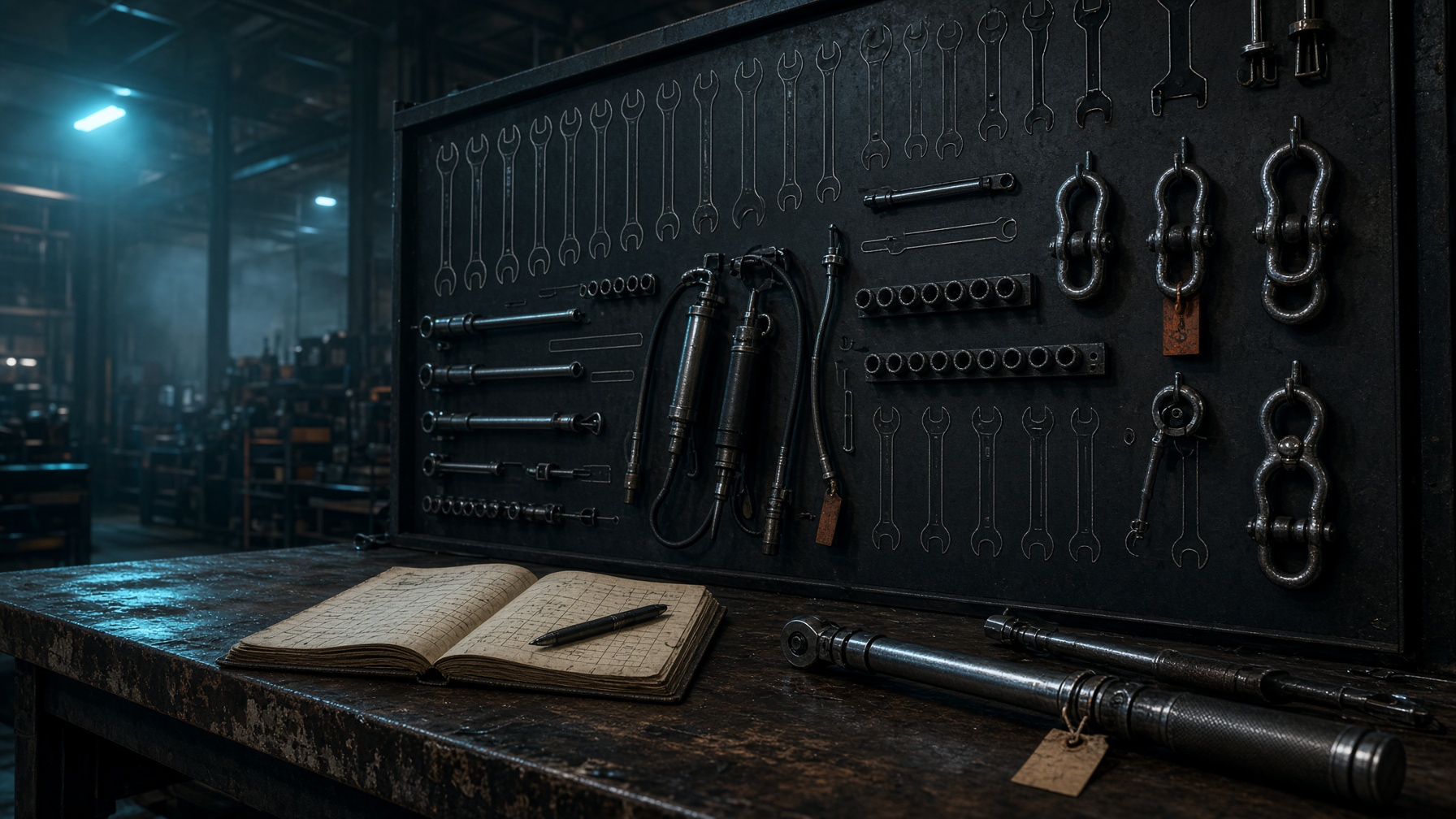
Tools leave the crib on a name and a job, not a wave at the shadow board. Nexxus checks a torque wrench, a load cell, or a socket set out to the technician and the card they are working, then checks it back in when it returns.
What is still out is a list, not a hunt. Empty hooks on the board match open issues in the system. The workshop stops borrowing a tool that is already on another site, and the stores can see who last had it.
In this module
- Check tools out to a technician or a job
- Check tools back into the stores
- See what is still out, and with whom
- Crib and shadow-board register
- History of issues and returns
On screen
Open this in the operations layout
The same chrome as the workshop: sidebar, tabs, live rows. Click through from here.
app.nexxus / operations
Stores · crib
Tool check-in / out
Click a row. This is the live layout — web software, not a brochure.
Tool control module