
Stock & supply
Stock catalogue
Parts with pictures, brands, and tags.
Stores
The catalogue is the stores’ memory: brands, departments, tags, pictures, product detail, and bulk import so a new range does not mean a week of typing.
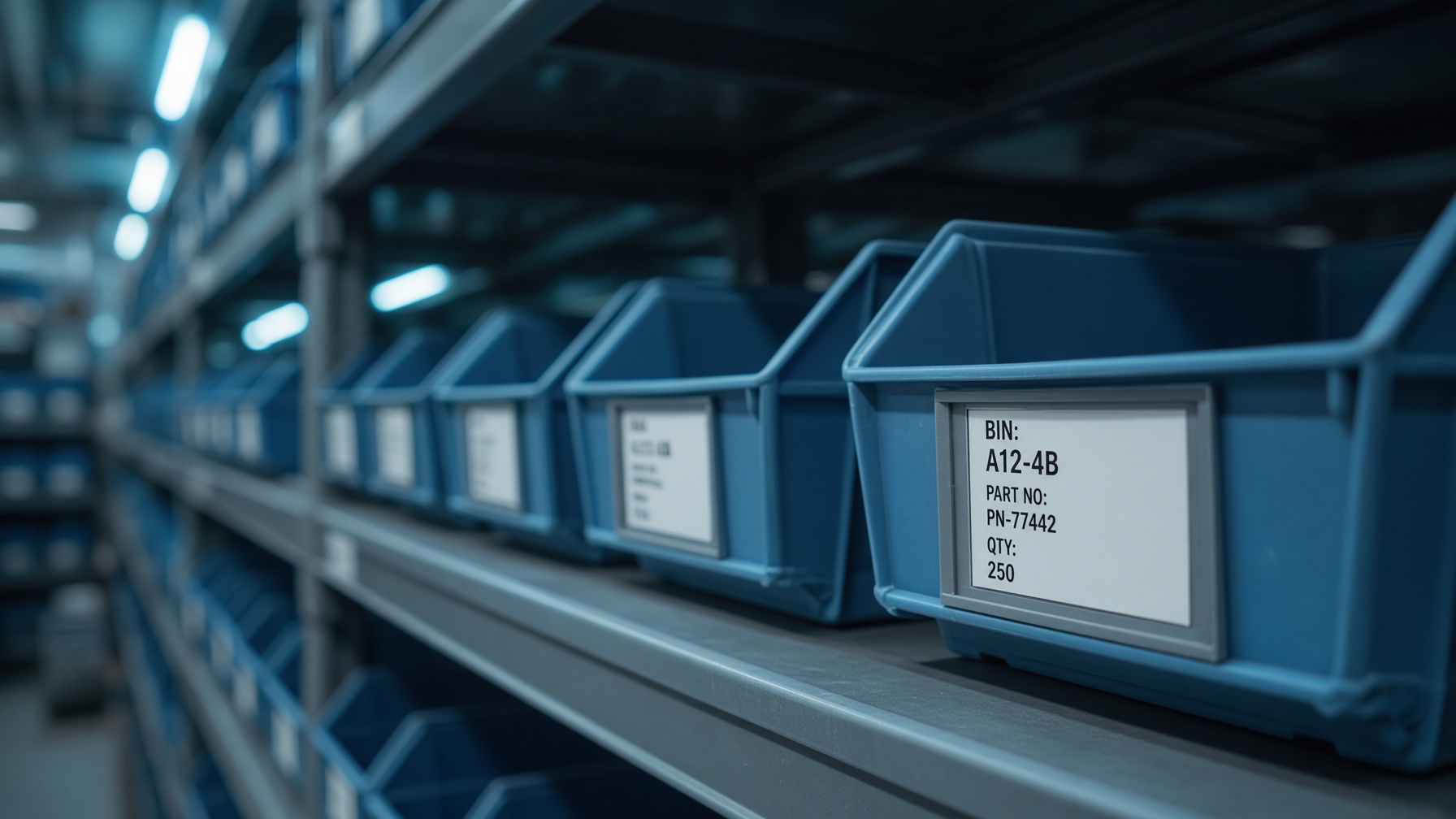
Pictures matter on the floor. A hook assembly that looks right in the list is the one that gets picked. Open Stock on the operations screen to see levels against those items.
In this module
- Stock item create and edit
- Brands, departments, and tags
- Pictures and mass picture upload
- Import stock
On screen
Open this in the operations layout
The same chrome as the workshop: sidebar, tabs, live rows. Click through from here.
app.nexxus / operations
Stores
Stock levels
Click a row. This is the live layout — web software, not a brochure.
Stock levels module